
Commit to Assistive Tech – No Cheating Allowed!
Learning to use assistive technology can be hard for anyone. It’s not just about learning new commands or settings; it’s about changing habits and trusting the technology. That’s where many of us struggle.
Even the most experienced assistive tech users admit to “cheating” and going back to things they know have worked in the past even if they aren't the best solution.
Common Ways We Cheat
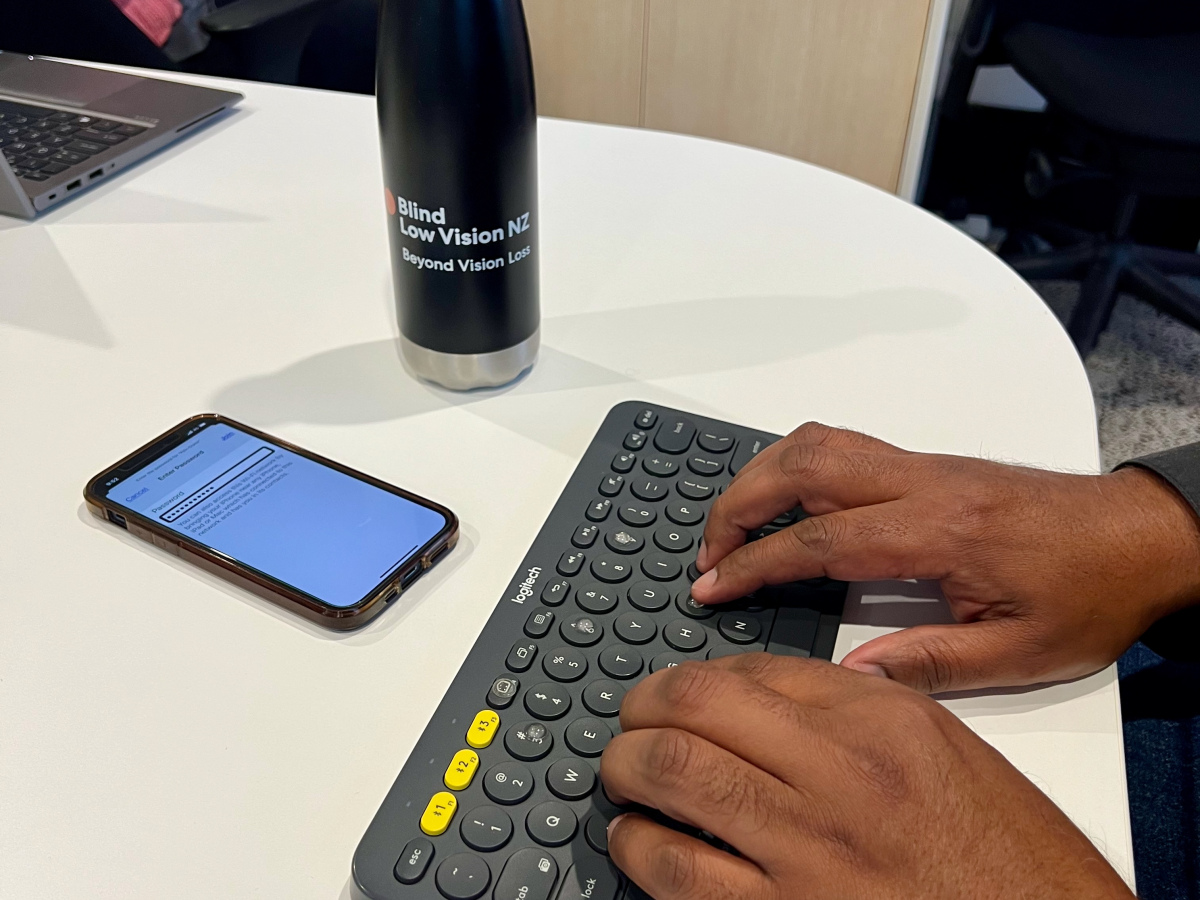
Take my friend and former colleague Neil Jarvis. He’s an expert tech user who is blind, uses VoiceOver on his phone with a Bluetooth keyboard for text entry. But unless he moves his phone out of reach, he often slips back to using gestures because they’re more familiar. It seems easier to do tasks that aren't necessarily supported by the assistive tech. And old habits die hard.
I’ve done it too. When I injured my hand last year, I started using speech input again. It worked brilliantly, but I still found myself reaching for the keyboard and mouse with my good hand when navigating clunky interfaces.
Neil and I have seen things like this many times. People with some useful vision who use magnification software often resist switching fully to a screen reader as their sight changes. They cling to what worked before, even when it’s slowing them down.
But it's not just end users of assistive tech, accessibility testers cheat too. We peek at the screen when testing with a screen reader when something doesn't make sense. We grab the mouse when keyboard-only testing gets difficult. I'll admit, even though I try hard to use the screen curtain on mobile, I’ve cheated when I can't figure out what is happening.
Why Commitment Matters
Why does this lack of commitment to trust the assistive tech really matter?
For assistive tech users, it signals that the digital interface isn't as good as it could be. Barriers in the interface that make us fall back to what we know rather than trusting the technology.
For accessibility professionals it matters because if we don’t commit, we will miss things. We will miss the frustrations real users face. We miss the design flaws that make technology harder than it should be.
Real Commitment
Touch typists and data entry pros show us what commitment looks like. They trust their keyboards. They use shortcuts. They stay efficient. No peeking.
I remember a story from my UK accessibility days. A dev house trained their team in assistive tech, then took away their screens and mice for a week. They had no choice but to commit. After that week, they worked keyboard only, screen off, for the first hour every day. That’s real commitment.
If digital systems were better designed, maybe people losing their sight could trust the tech sooner. Maybe speech input would feel less like a battle. But until then, as accessibility testers, we need to do better.
My Wero – My Challenge
You don’t need to go to quite that extreme. But if you’re testing with a screen reader, turn off your screen. If you’re testing keyboard-only, remove or disable your mouse. Don’t cheat. Commit. That’s how we catch the issues that stop real users from fully committing.
At Access Advisors, we believe accessibility only works when it holds up under pressure. We use assistive technologies in real-world conditions, not just in controlled test environments. In our research we see where people abandon tools, where frustration builds, and where design quietly excludes.
If you want to learn how to use assistive technology without cheating or understand how your digital experiences behave when shortcuts disappear, email us.